Photography Basics – Removing Lines and Cables
by Mickey Rountree
As I usually do, I’m calling this article Beyond Basic because it involves Photoshop rather than just Lightroom. This technique doesn’t normally involve layers, but I’ll show you an example where using a layer and mask is necessary.
In the bad old days of film power lines were always a problem. We either had to compose to miss them, even if that hurt the rest of the composition, just not take the shot, or live with the wires because we couldn’t remove them.
Now there is a new AI powered tool in Photoshop that with just one click goes on a search and destroy mission to remove lines and cables. Most of the time it does an incredible job, much better than I do manually. Even when it’s not perfect, it usually takes only minor work to fix.
When these articles are converted to PDF and sized for the newsletter, the resolution and quality of the images is seriously degraded. If you would like to read the article and see the images as I did, you can see this article on my website at this link.
https://mickeyrountree.smugmug.com/Articles/Basic-Photography-Series/
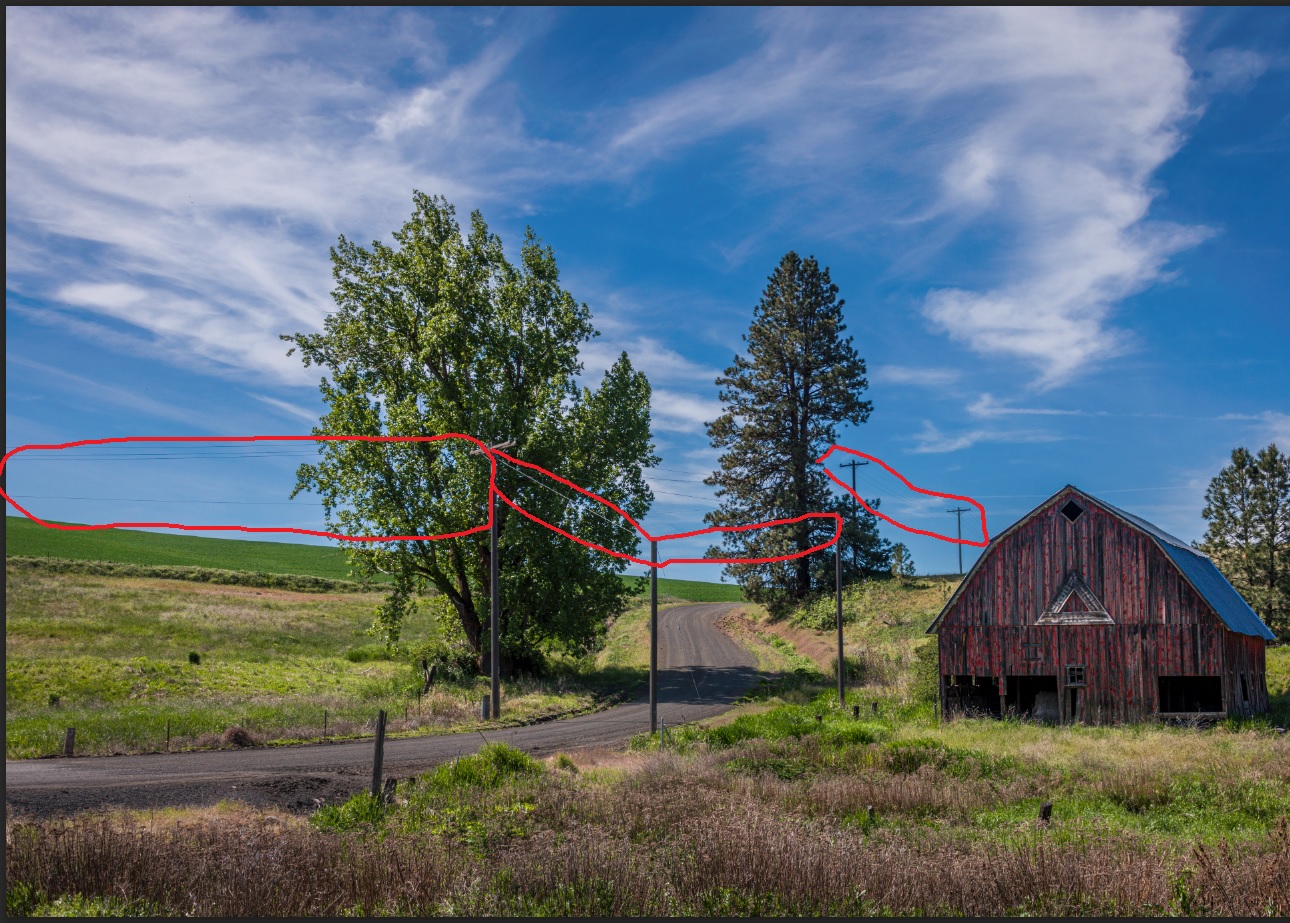
Here I’ve selected an image with lots of power lines. These would be tedious to remove manually, and always seemed to leave artifacts that needed more work.

To use this tool, go to your tools palette and select the remove tool.
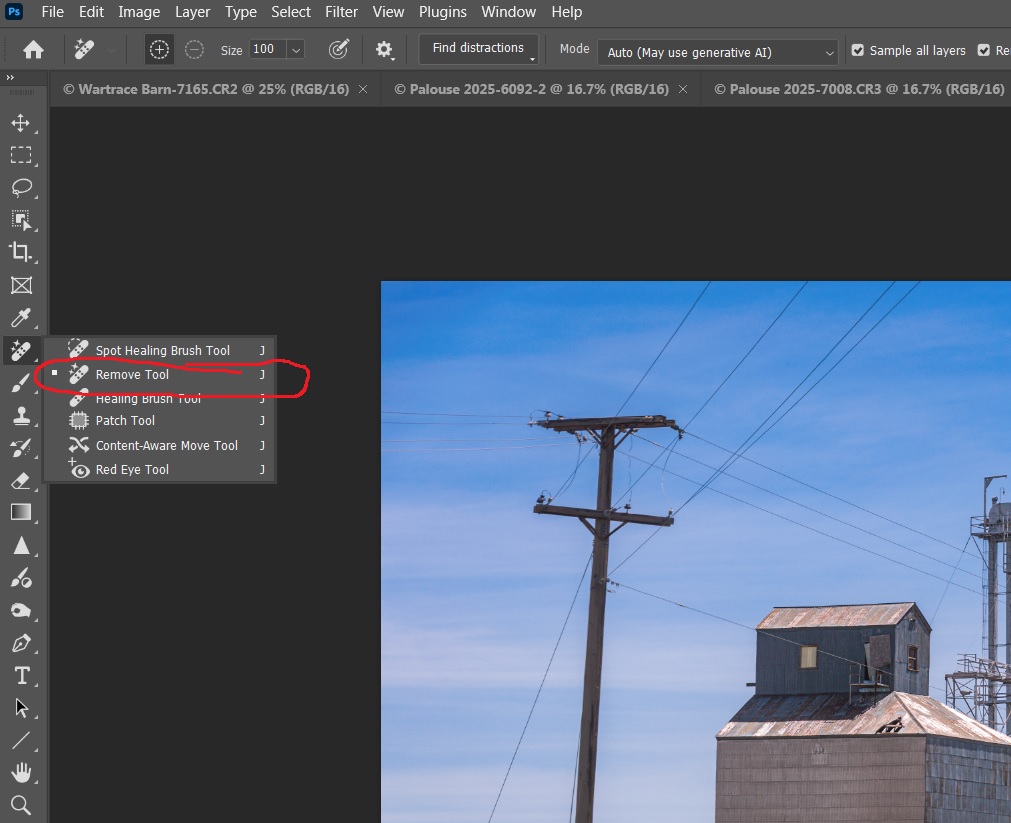
Then go to the top options bar and select find distractions/wires and cables, and prepare to be amazed.

I have a fairly fast computer, but this is a 50Mb in 16 bit depth, so it took about 90 seconds to run. Smaller images or 8 bit depth will run faster.
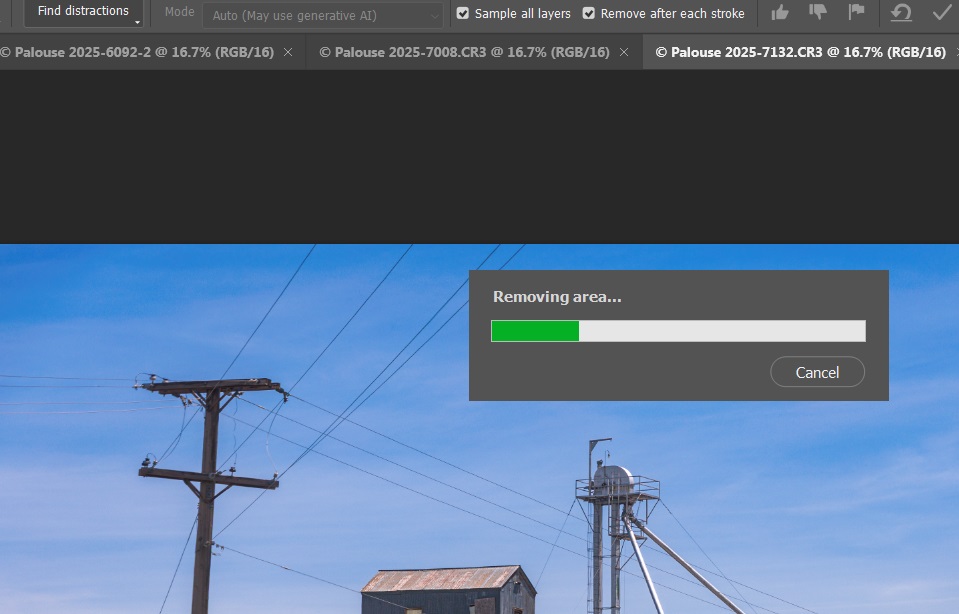
Here are the power lines removed. Once the cables were removed, it was easy to remove the poles using the remove tool.