Here are a couple of photography challenges to help you stay creative during these hot months when we all just stay inside in comfort. You could do this as a onetime project or plan to do it weekly or monthly and get even more benefit.
Challenge 1
If you’ve been photographing for more than a year or two, editing software like Photoshop and Lightroom have evolved and have new features, and are easier to use. Also along the way, your tastes have probably changed, and hopefully your editing skills have increased with time and practice.
The challenge is to go back into your files from the last few years and find an image that you just couldn’t edit properly at the time. Start from scratch with an unedited image and see if you can bring your vision to life with today’s software and your current skills.
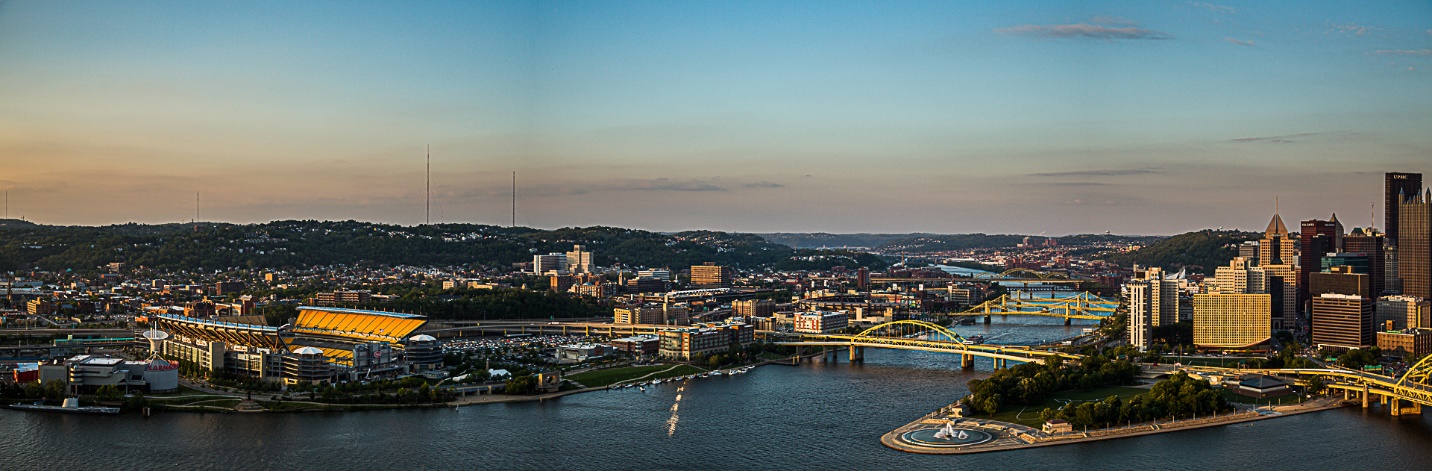
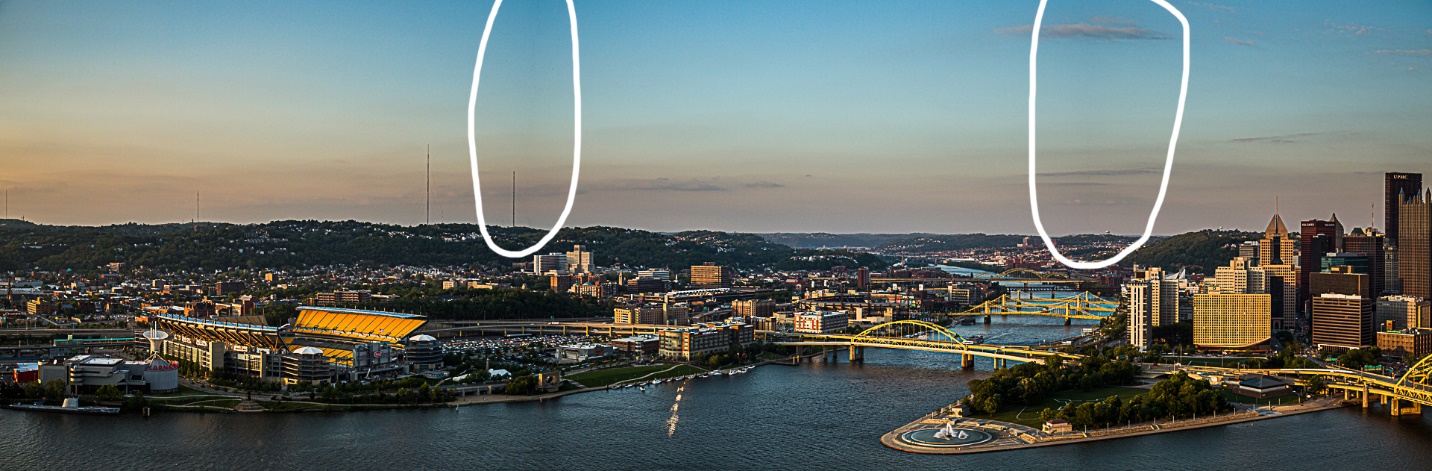
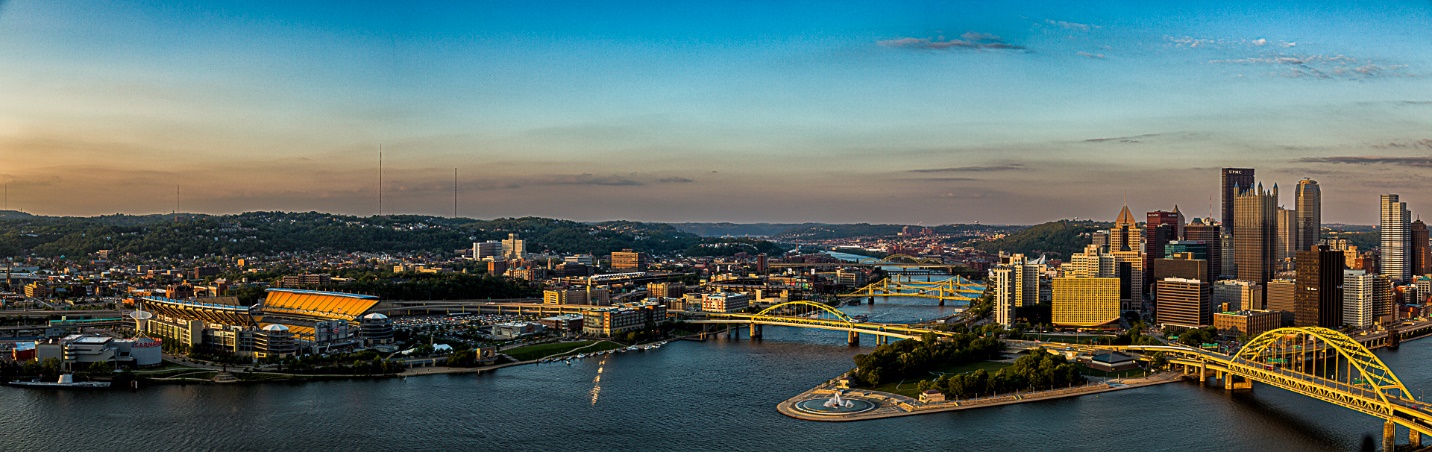
Here’s a four shot panorama from 2015. Unfortunately, when I shot it I was in aperture priority rather than manual exposure mode, so when I panned across the scene the exposure varied slightly from image to image. In 2015, combining these images in Lightroom produced a couple of dark band in the sky where some of the exposures overlapped. When I redid the pano using the current (as of July 2022) version of Lightroom, the new algorithm was smart enough to also blend the mismatched exposures. And the ability of the new masking tool to select the sky worked much better than a simple linear gradient.
Below are the two 2015 edits and the new 2022 edit.
Challenge 2
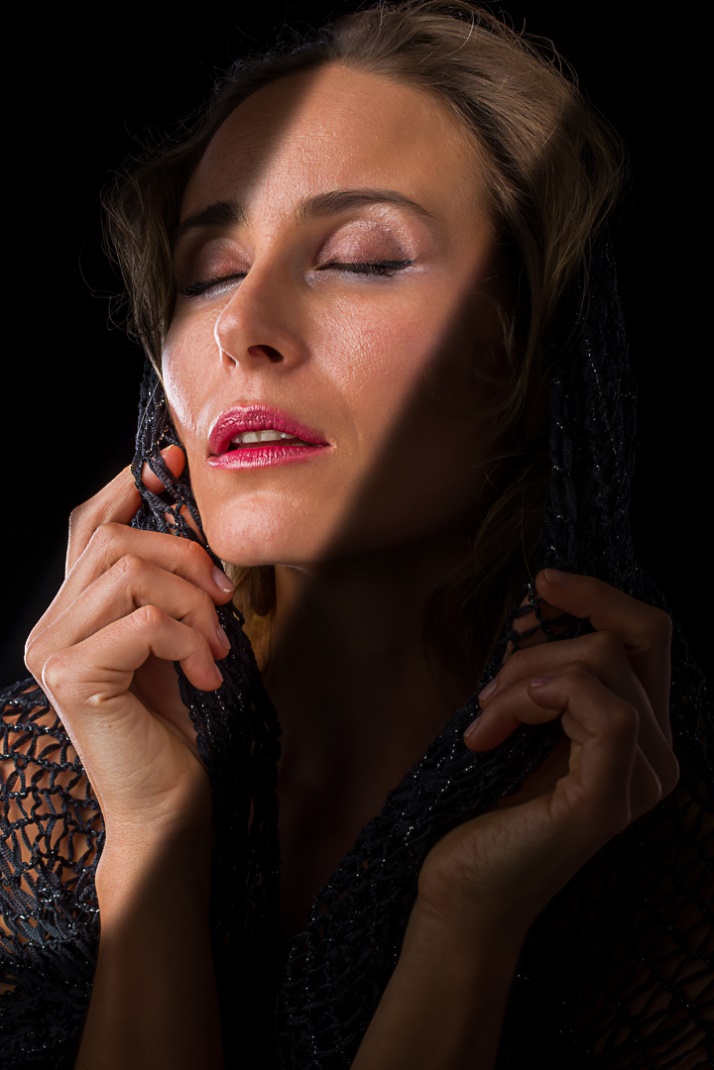
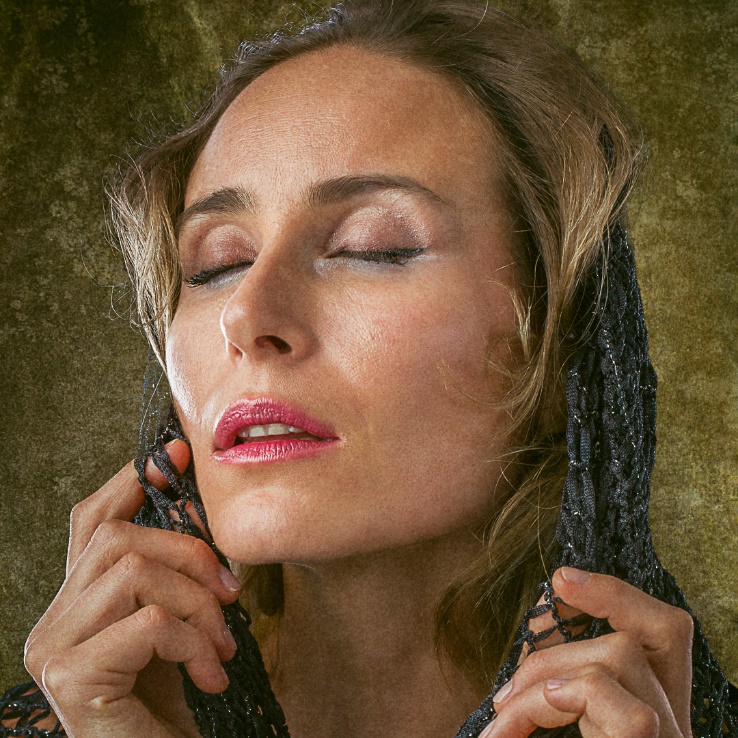
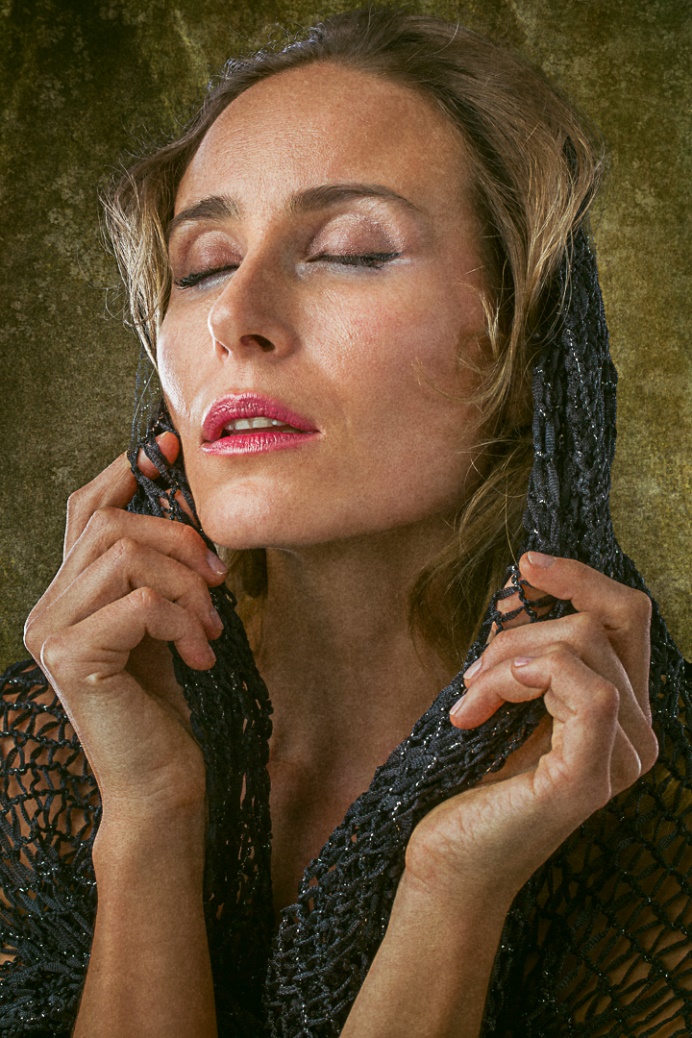
Select an image that you feel has potential, but that you’ve never edited to your satisfaction. It could be an older image, or something current. The challenge is to edit this image in at least 3 entirely different ways. This will force you out of your comfort zone and beyond your normal vision. Maybe try a B&W conversion, a desaturated look, vignetting, using camera raw to change the look of the lighting, cropping to a different format, and anything else you can imagine. Find a similar image you like by another photographer and try to emulate his editing style. If that pushes you to learn some totally new technique like using textures, color grading, compositing, or learn some of the masking techniques, all the better. All of these edits don’t have to (and can’t) be your favorites; the important thing is to create very different looks.
Try to create at least three different edits, but as you get into the spirit of the exercise, don’t be surprised if you keep experimenting and find 6 or 8 or a dozen looks. The possibilities are literally endless. I think this is one of the best exercises you can do to improve your photographic editing skills and the more often you do it and the more wildly you vary your looks, the greater the results will be.
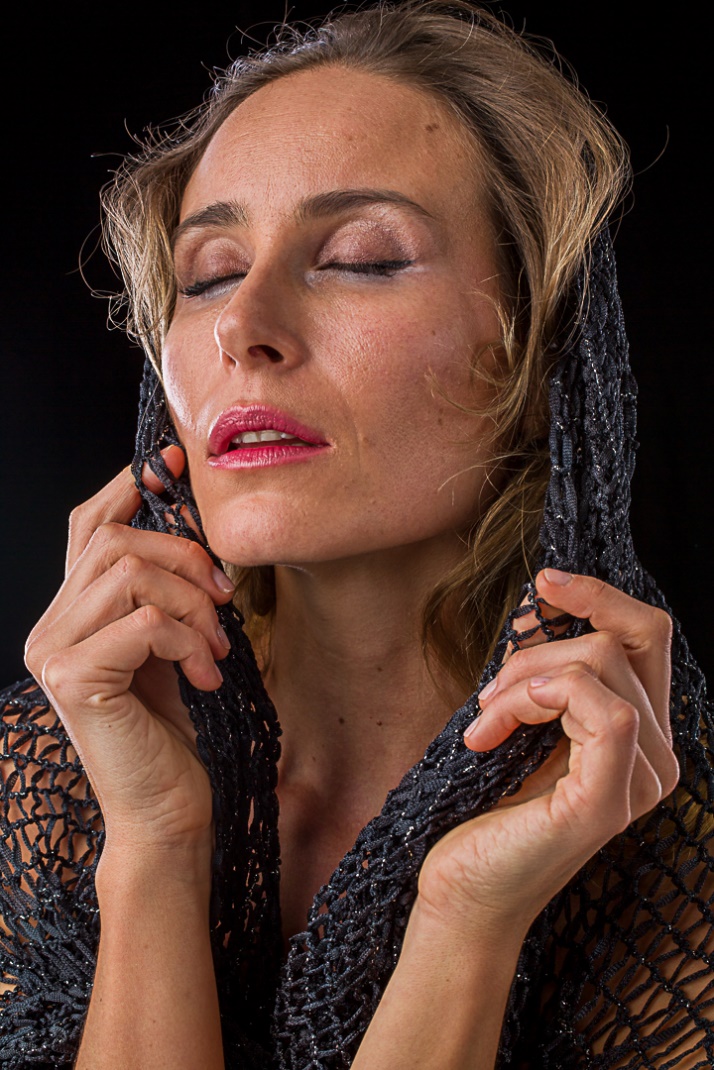
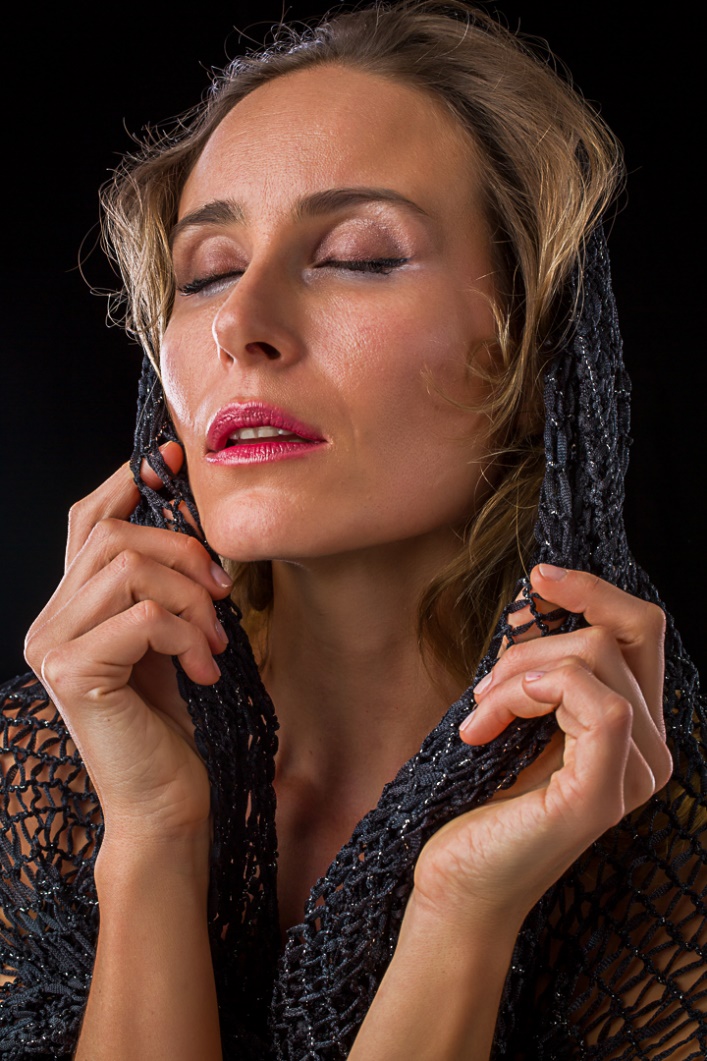
Here is original 2017 shot. I selected it, but never actually did a “final” edit. Below is the unedited shot, followed by my “standard” edit.
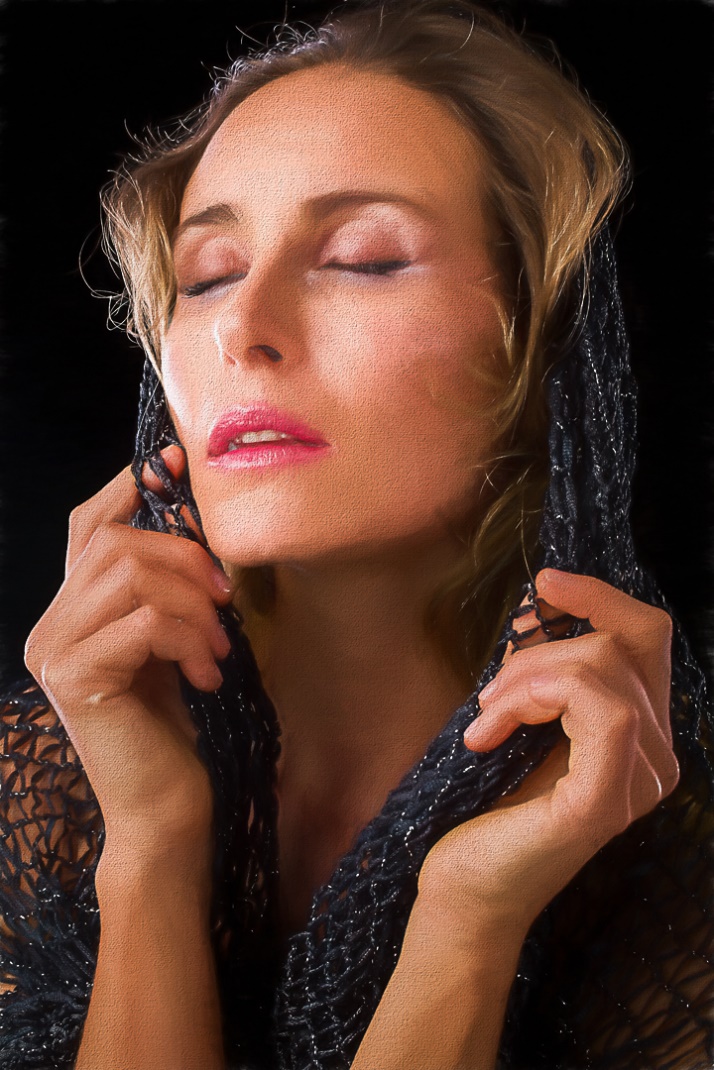
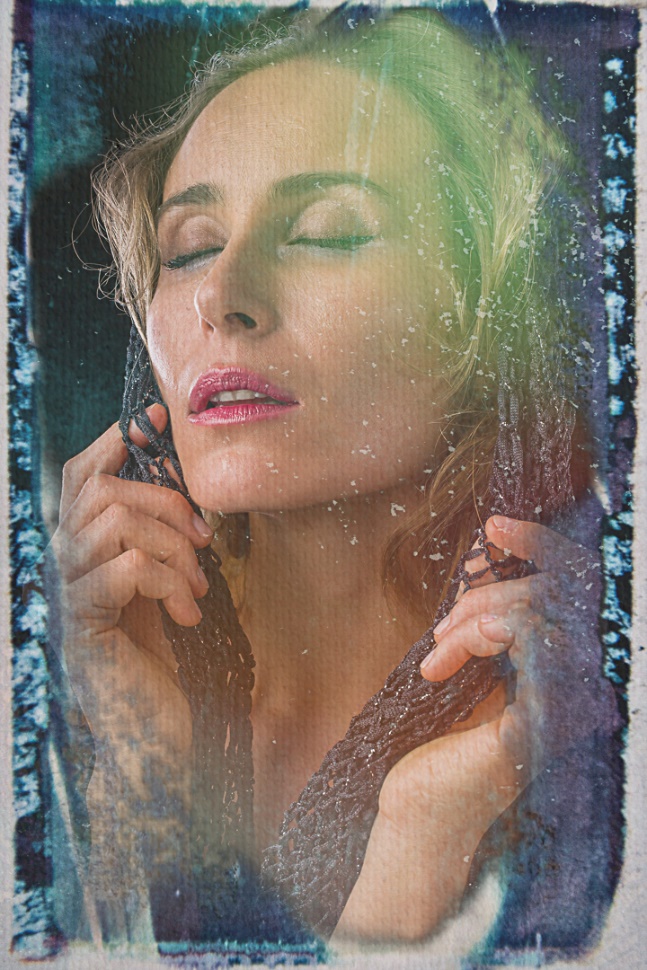
In the images below I played with three different types of texture, Black and white conversion, color grading and extreme vignetting, square cropping and a painting effect. At smaller size and with the change to PDF, the differences in these edits may not be as noticeable as on my monitor.