by Mickey Rountree
With the Fourth of July coming up, here are some basic tips for shooting fireworks. At the end of the article I’ll tell you how I’m actually doing my fireworks shots for the last few years.
You can do a google search for “your city”, the “year”, and “fireworks” and find upcoming events with fireworks. I feel it’s important to include the year in your search or you’ll be seeing events from several years past. Remember fireworks are not just at the major holidays, but often follow sporting events and concerts.
Once you’ve picked your event, arrive early and decide where you want to shoot from and what you want to include in your image. Don’t forget there will be others (lots of others) arriving later so try to pick a location or shooting angle where they won’t be in the way. Also try not to be in anyone else’s way. I have found that many displays start too early, before the sky is really dark enough. There’s not much you can do about that except change the sky in post processing.
Basic Equipment
You need a camera that allows you to set long exposure times, or preferably bulb mode. Almost any DSLR or mirrorless camera is adequate. Make sure your battery is freshly charged, and have backups with you. Long exposures, and especially using live view will drain batteries quickly. You can use almost any focal length depending what you want to include in your image. Do shoot loose (wider focal length) because where the bursts occur varies a lot, especially the height.
You will be using longer shutter speeds so you definitely need a sturdy tripod. A cable release is a most for sharp shots. Be careful where you put your tripod when there are others around. At best they may bump your tripod and blur your image. At worst they may trip on the legs and be injured. One very good tip that I read and can’t take credit for is to tape or rubber band glow sticks to each tripod leg.
A small flashlight or headlamp is useful for setting your camera controls. If you use a headlamp, be courteous and don’t shine it the face of the people you look at.
Don’t forget bug spray and water.
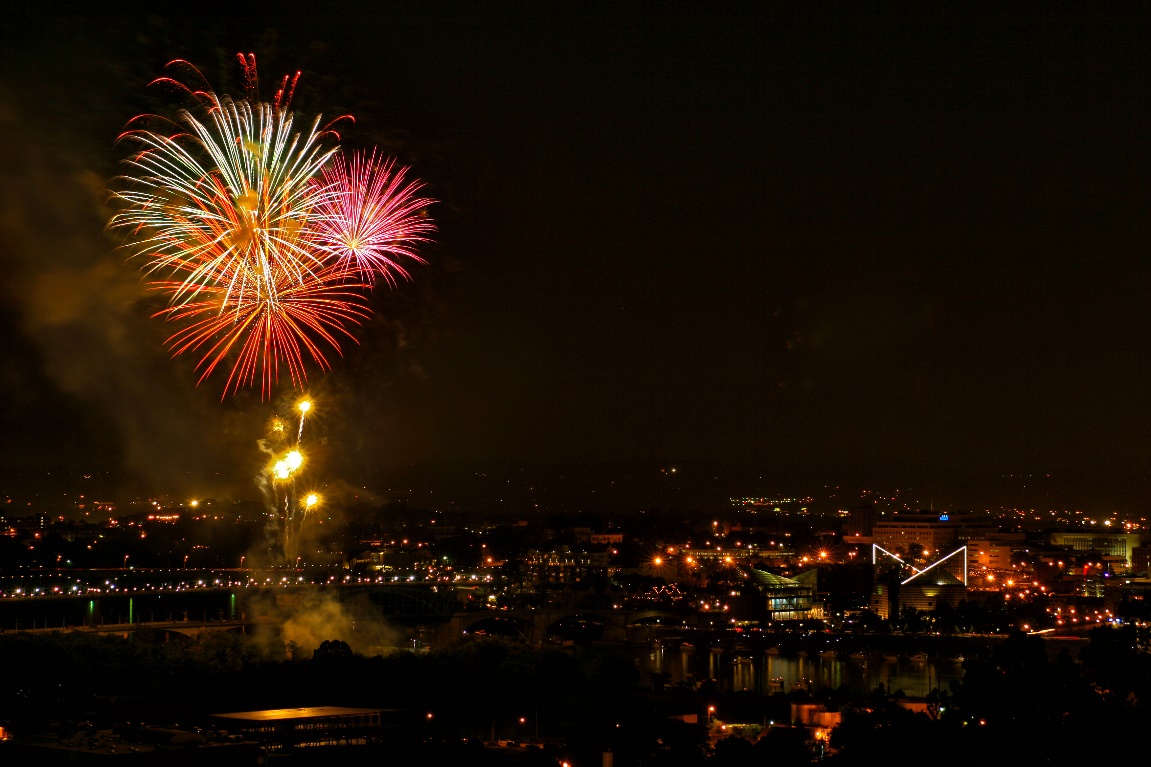
The image below was one of the first fireworks images I shot in digital back in 2008. It was shot with a Canon 20D (A whopping 8 MP, max 1600 ISO) and a 15-55 kit lens. You can buy the camera and lens used now for under $75. If I could shoot fireworks with this relic, whatever camera you have now is more than adequate.
Basic Settings
Use a low ISO, 100 or 200 depending on your camera. Turn off long exposure noise reduction, which causes long delays (equal to your exposure time) between shots. Set your aperture at f/8 or f/11 for ISO 100 or f/11 or f/16 for ISO 200. Check after the first shot or two and see if you need to adjust. I like to use bulb mode, where the shutter opens when you press the cable release and stays open until you release it. I know others who set 5 or 10 seconds, but I feel I have more control with bulb mode. Some photographers open the shutter while covering the lens with a black card, and remove it to capture the fireworks, so there will be even less vibration.
Since your camera is on a tripod, you may need to turn off image stabilization. I find it’s usually necessary to turn it off on DSLR’s but often not necessary on mirrorless cameras.
Turn off auto focus, and set your camera focus to infinity. Don’t use auto white balance. I usually set daylight white balance, and adjust later in Lightroom if I need to. I always shoot raw, so that I have the most latitude for editing my images later. You may prefer to shoot JPG’s, but be sure that the highlights don’t blow out.
Shooting
I try to listen for the soft boom of a firework launching and then open my shutter (I use bulb) until the aerial burst has ended. For the first burst or two quickly check your LCD to see if your exposure for the fireworks is OK. All you want to adjust is the aperture, and within or not very far from the settings above.
Most shows start slowly with only one or two bursts at a time. I try to only capture one or two bursts per shot at the beginning of the show. At the finale is when lots of bursts are fired in a short period of time, so once the finale starts I may capture 5-10 bursts, close my shutter and quickly reopen and repeat until the show is over.
Unless you are at a really big show like New York City, or Washington DC, all of the fireworks are shot from the same small area, so all of your bursts will be in a small area of the sky, which is my reason for not trying to capture too many bursts in one frame. You can copy and paste bursts from one image to another to cover more of the sky.
Hopefully there will be a good breeze for two reasons. One, a breeze keeps bugs from landing and biting as often, and second the breeze blows away the smoke from the fireworks so your images don’t get successively hazier.
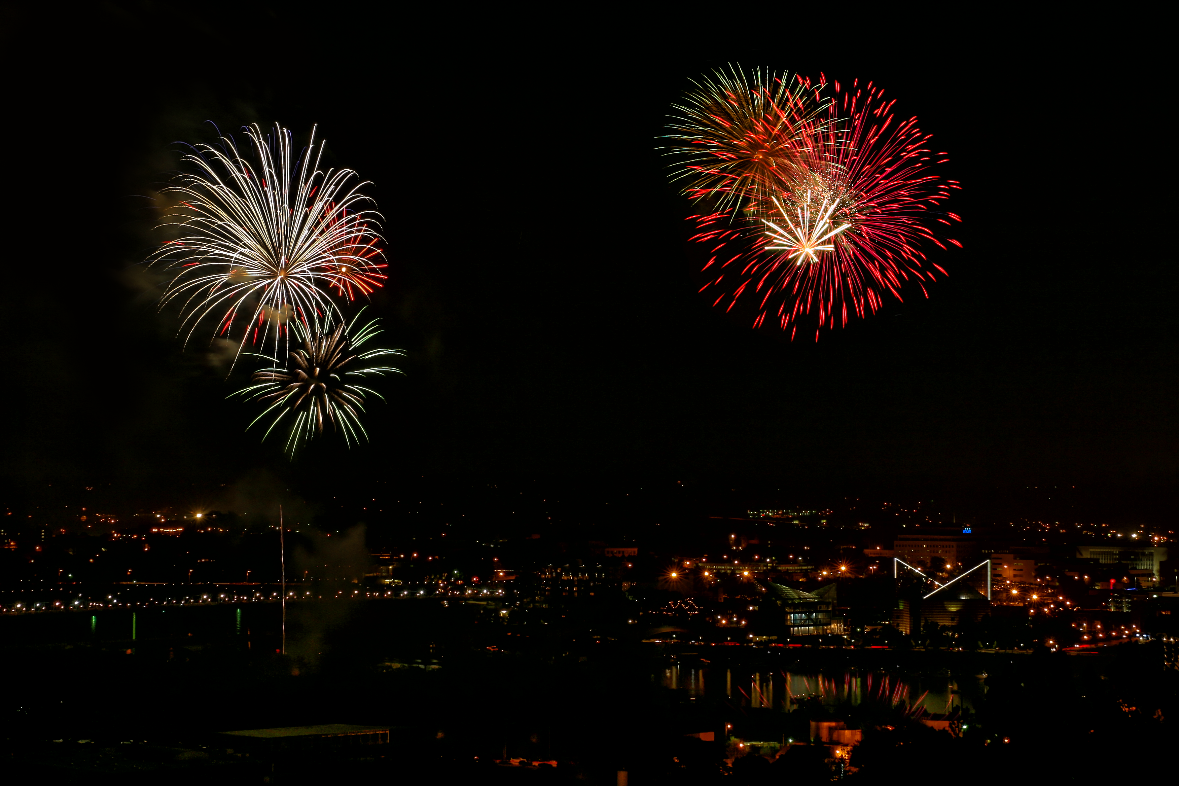
All of the fireworks in the image below were coming up from the left. I copied a burst from another image and pasted it into the right side sky to help the composition.
Processing
I do most of my fireworks processing in Lightroom. I usually add a good bit of contrast and adjust the exposure for a good sky tone. Decreasing the black slider also helps make the bursts stand out better. Dehaze helps most shots, and may even minimize the haze from smoke on a night with no breeze. Vibrance and saturation can help bring out the color in your bursts and you may even want to go into Lightroom’s HSL/Color panel (Color Mixer in Camera Raw) and adjust individual colors to emphasize the fireworks. If the exposure for your sky with fireworks is very different from your foreground, you may use an adjustment mask like the brush or linear gradient to balance the scene.
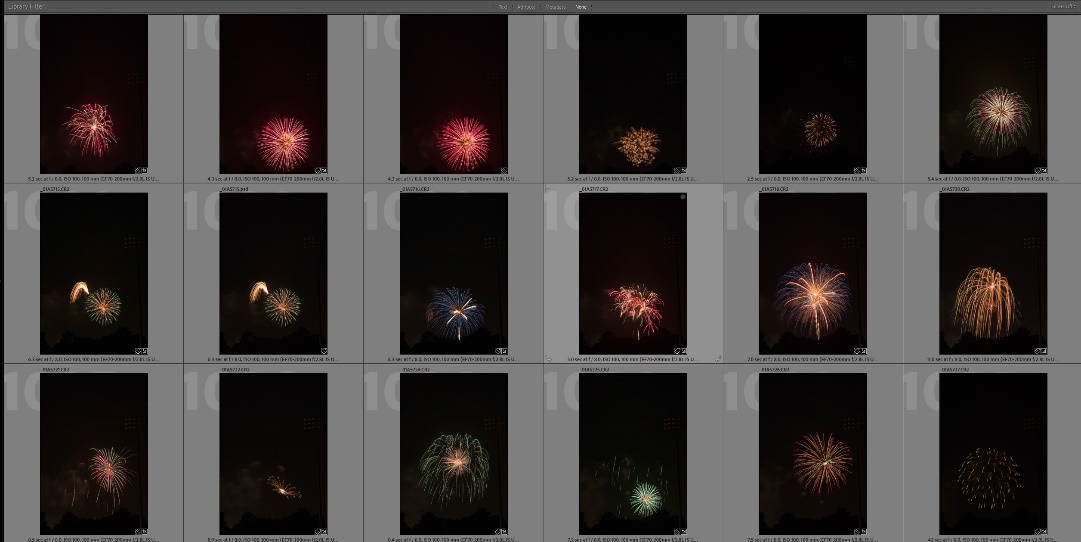
Build a library of fireworks bursts that you can add to scenes at a later time. See the article I refer to below. Here is just a small part of my library of fireworks bursts that I use to add to images.
How I create fireworks images now
I have shot fireworks displays over a scene, but I’d be lying if I said I still do that. There are just too many variables, such as weather and being able to get a good location. Often it’s very hard to balance the fireworks exposure with the foreground, or keep people out of the image. Also the older I get, the more I hate crowds, and particularly photographing in crowds and the traffic as the crowd leaves. So what do I do? I cheat.
Over the years I have built up a library of isolated fireworks images, and if I go to photograph fireworks now, that’s all I’m after. Then I can shoot a night scene at my leisure, in good weather, and good light and add the fireworks in Photoshop. I’m able to put the fireworks where I want them and distribute them more widely than they appear at the actual show. And best of all I’m not fighting crowds or traffic. I wrote an article in the April 2018 PSC newsletter; you can find in the PSC newsletter archives, or on my website at:
https://mickeyrountree.smugmug.com/Articles/Basic-Photography-Series/Adding-Fireworks-to-an-Image
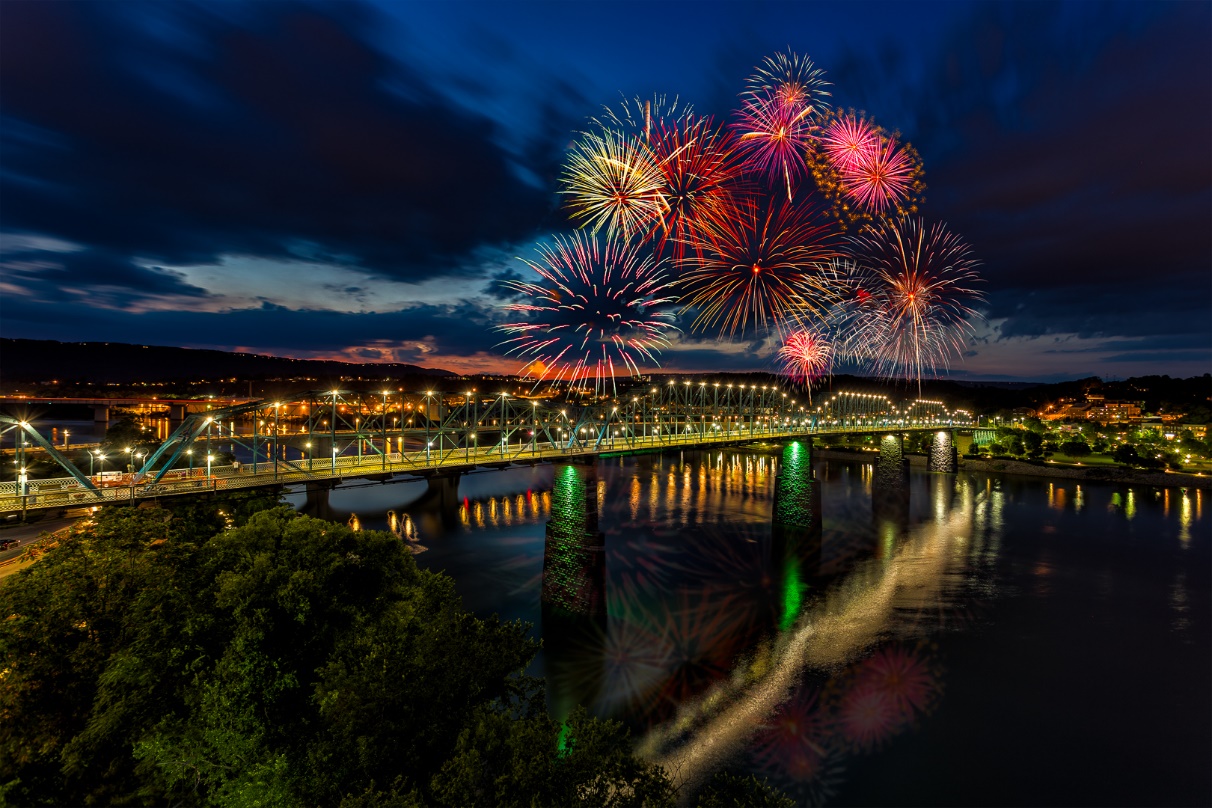
Here are a couple of examples of using the compositing technique to add fireworks to an existing image.